
First Steps
Theme Activation
NOTE: Before starting the Activation, ensure that your domain/connection uses HTTPS. The installation cannot proceed if HTTPS is not enabled.
- Once the theme has been successfully activated, click the theme name to display the Theme Dashboard page as shown below.
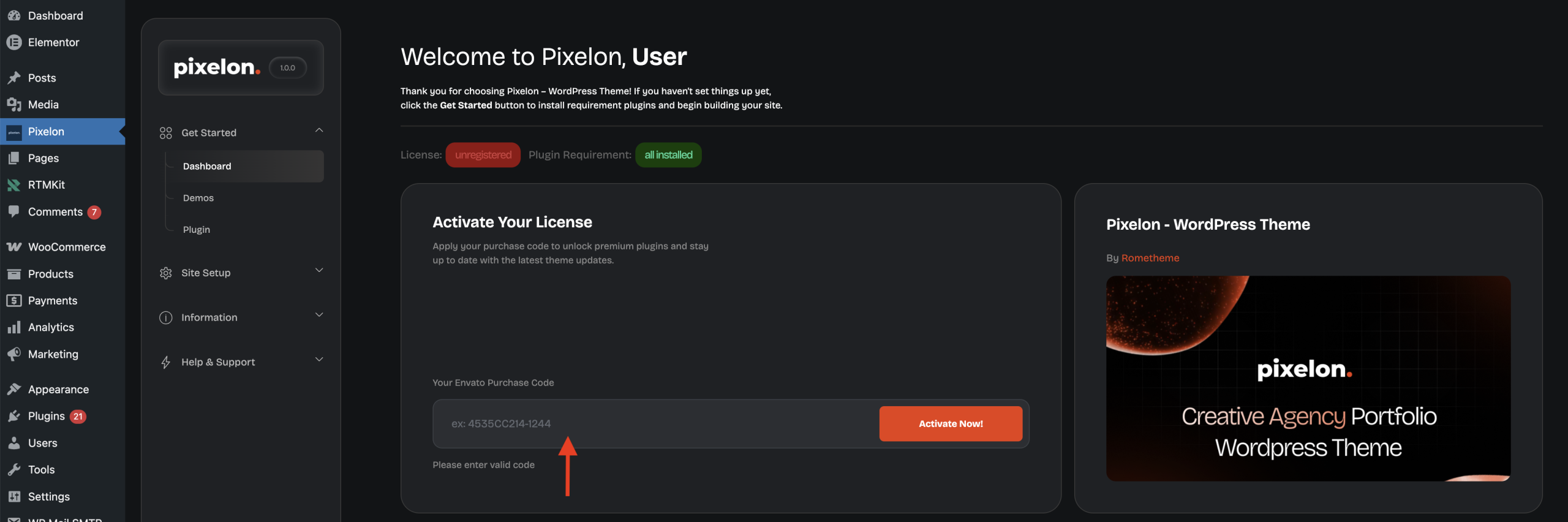
NOTE: Theme activation is required to unlock demo import, premium, and core plugin installation.
- Enter your Purchase Code and click on the “Activate Now!” button.
Need help finding your purchase code? refer to this article for more information.
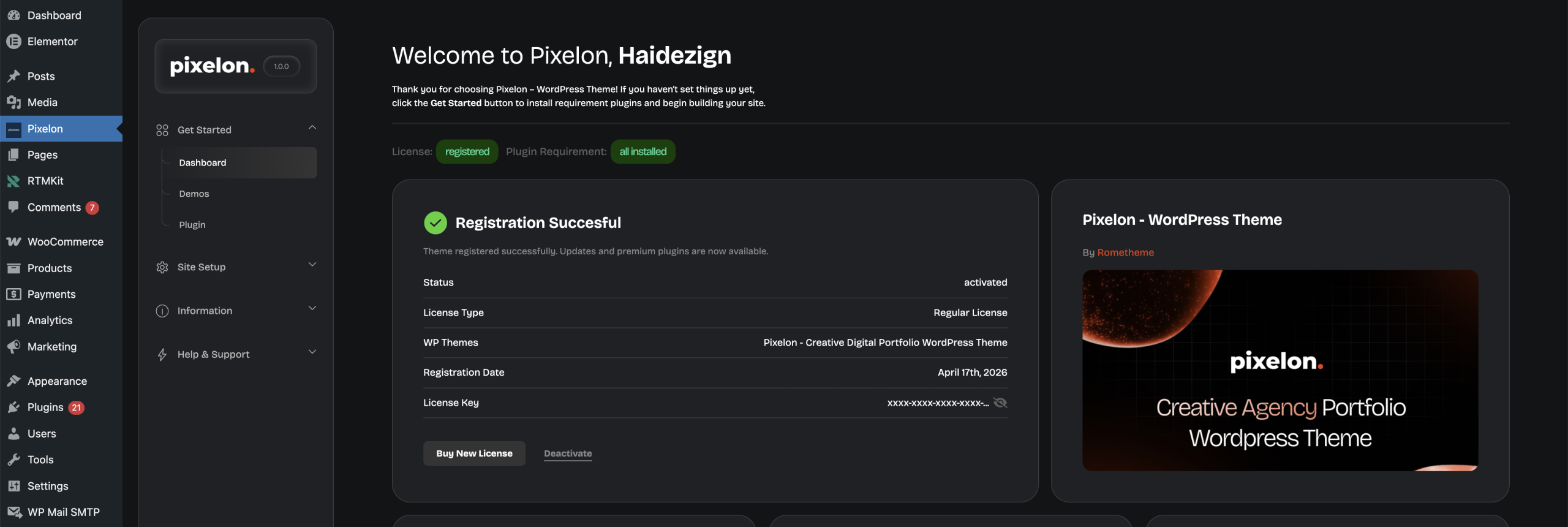
- Once the theme is successfully activated, the license status will change to Registered.
Note:
If you encounter any issues during activation, ensure your purchase code is correct and that your internet connection is stable.
