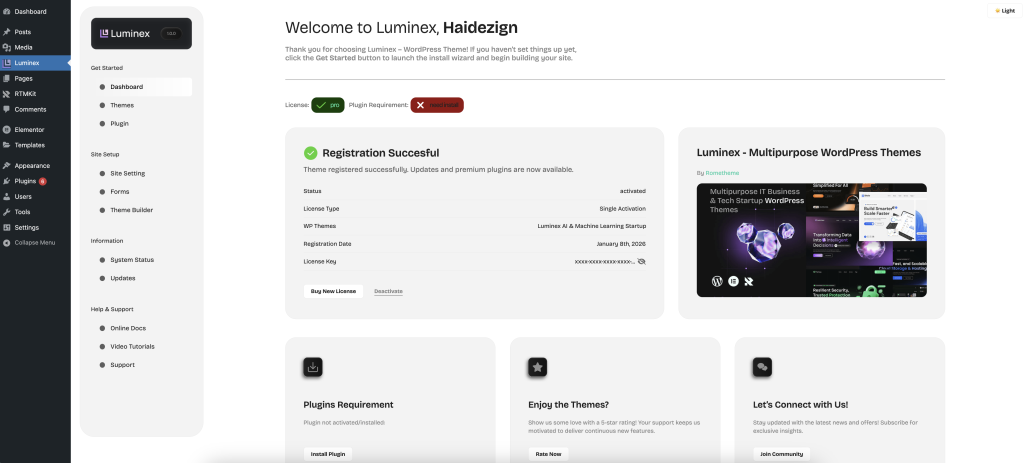
Update Issues
Your Token is Invalid/Expired? Here’s How to Fix It
Since our system uses access tokens that can only be activated once, if you encounter any issues during token activation—such as an invalid or expired token—please don’t worry. You can follow the steps below to resolve the issue and get it working smoothly.
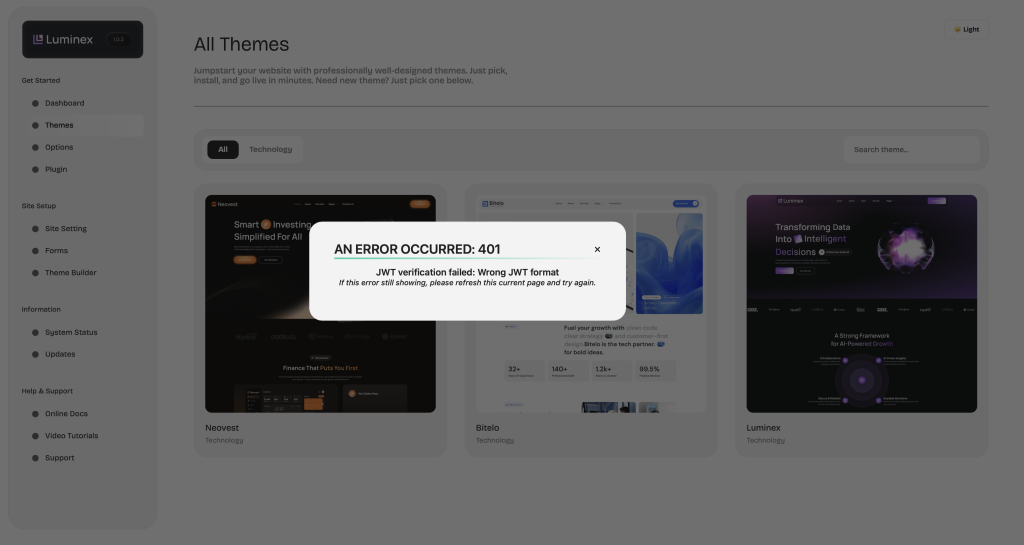
To solve this problem, you need to follow below steps :
- Please make sure to contact our support team and send us your purchase code at cs.rometheme@gmail.com. We’ll help you deactivate the token that has already been activated so you can use it again.
- After confirming that your previous activation has been removed, you can proceed to generate a new token
Generate New Token
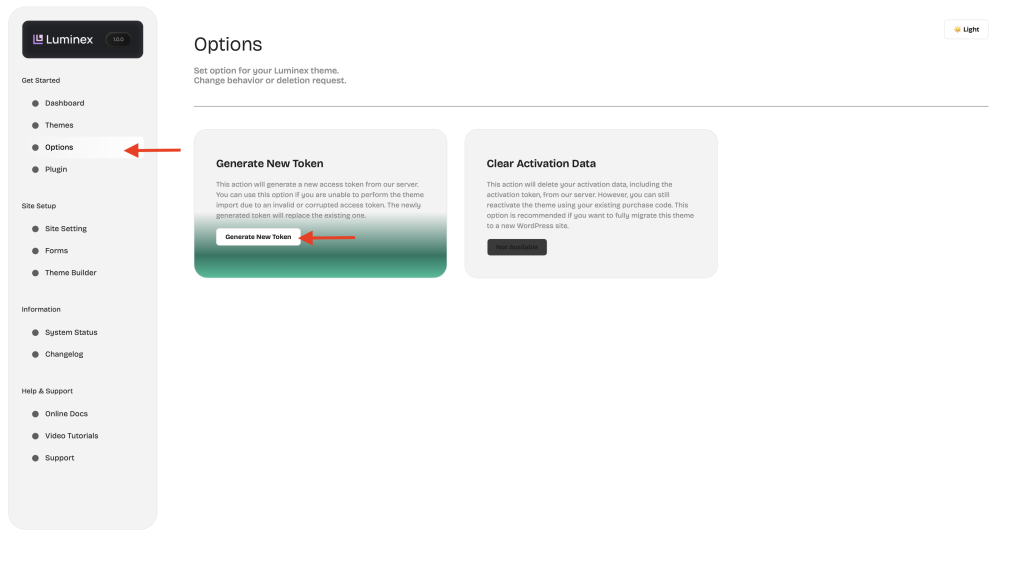
- Click the Options Tab
- Click Generate New Token
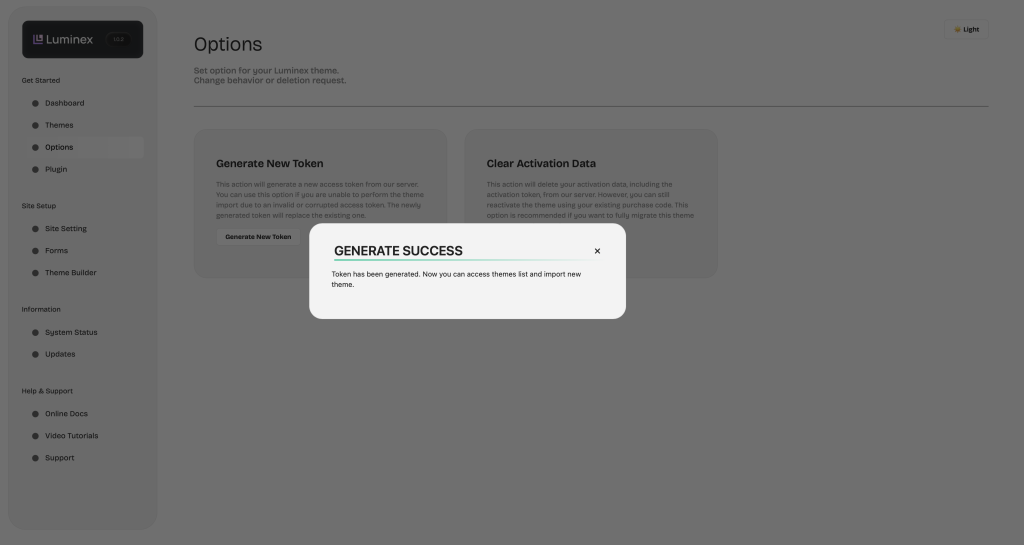
- Once the token is generated, a pop-up will appear to confirm it was successful
Reactivate your purchase code
- Enter your Purchase Code and click on the “Activate Pro!” button.
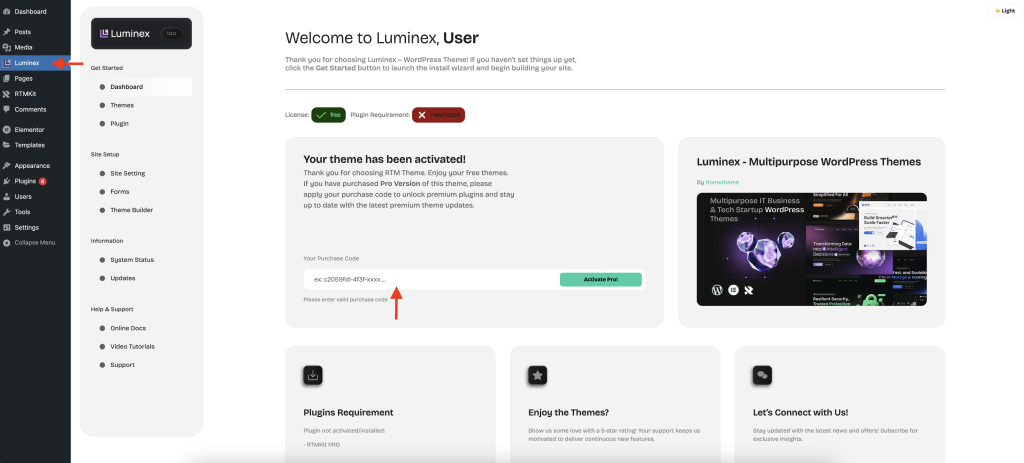
- Once the theme is successfully activated, the license status will change from Free to Pro.