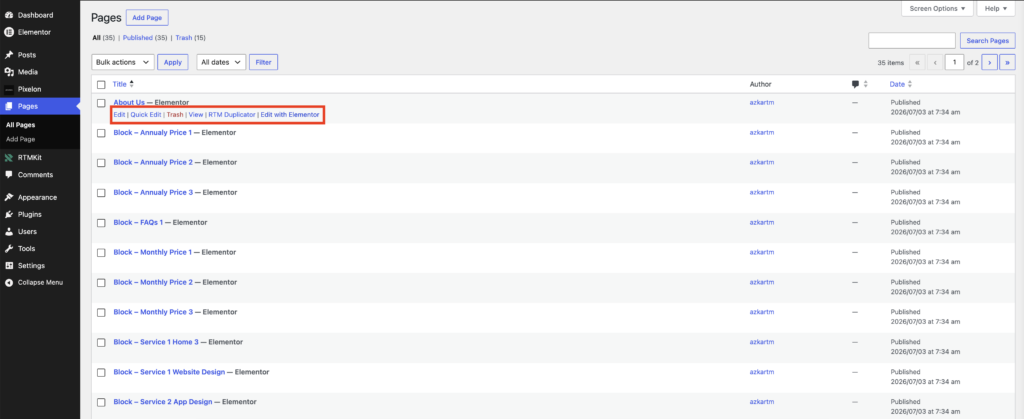
What to Do If the "Edit with Elementor" Button Is Missing
Sometimes, you may notice that the Edit with Elementor button is missing when viewing a page or post. Here are a few things you can check :
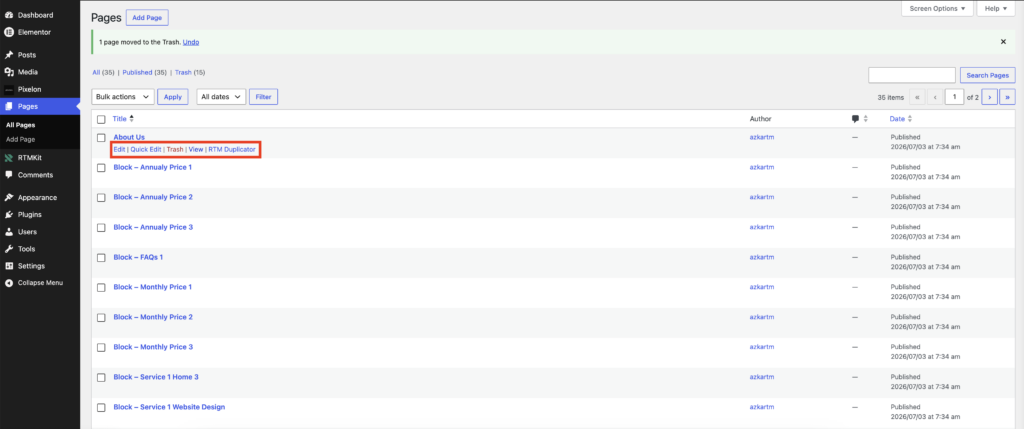
1. Enable Elementor for the Correct Post Type
Before editing your content with Elementor, make sure Elementor is enabled for the content type you’re using.
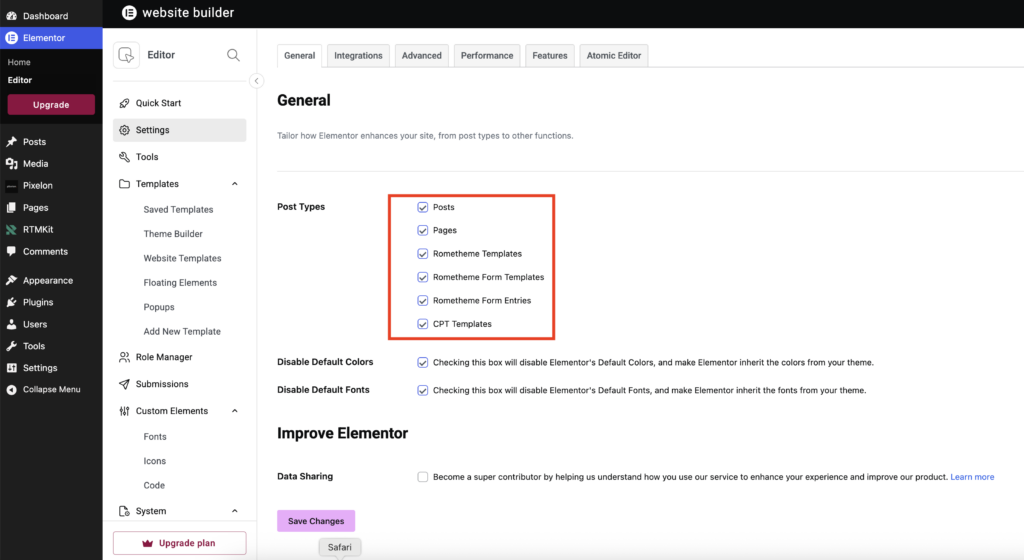
Go to: WordPress Dashboard → Elementor → Editor → Settings → General
Under Post Types, ensure that Posts, Pages, Rometheme Templates, Rometheme Form Templates, Rometheme Form Entries or your desired custom post type is enabled, then click Save Changes.
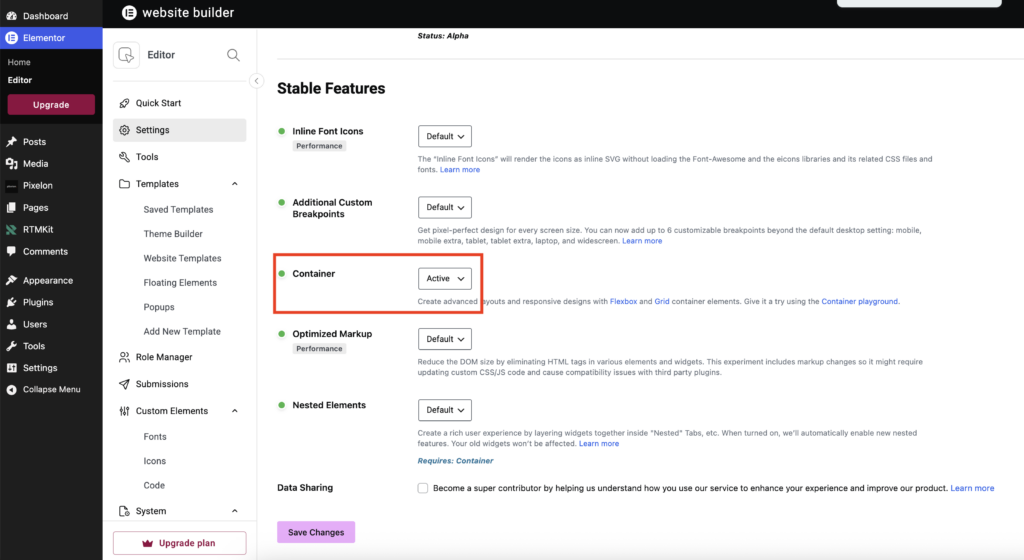
2. Make Sure Flexbox Container is Enabled
- Go to Features Tab
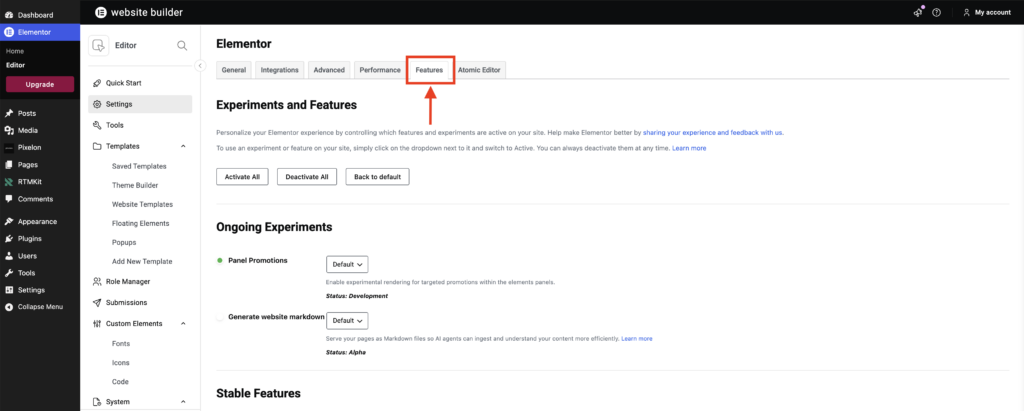
- Locate Container and make sure it is set to Active.
- Click Save Changes to apply the new settings.
3. Done !
- Done! The Edit with Elementor button should now be visible, and you can continue customizing your page with Elementor.