
How to Fix the “An Error Occurred: 404”
Are You Experiencing a 404 Error When Importing a Theme Demo?
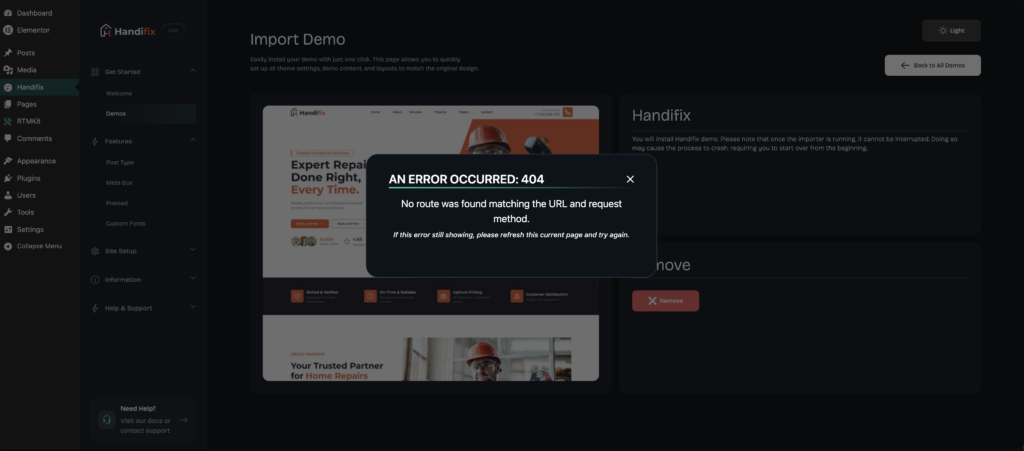
If you encounter a 404 Not Found error while importing a theme demo, it is usually because your WordPress permalink settings have not been configured or refreshed.
Don’t worry—this issue can be resolved in just a few simple steps.
Step 1: Open the Permalink Settings
From your WordPress Dashboard, navigate to:
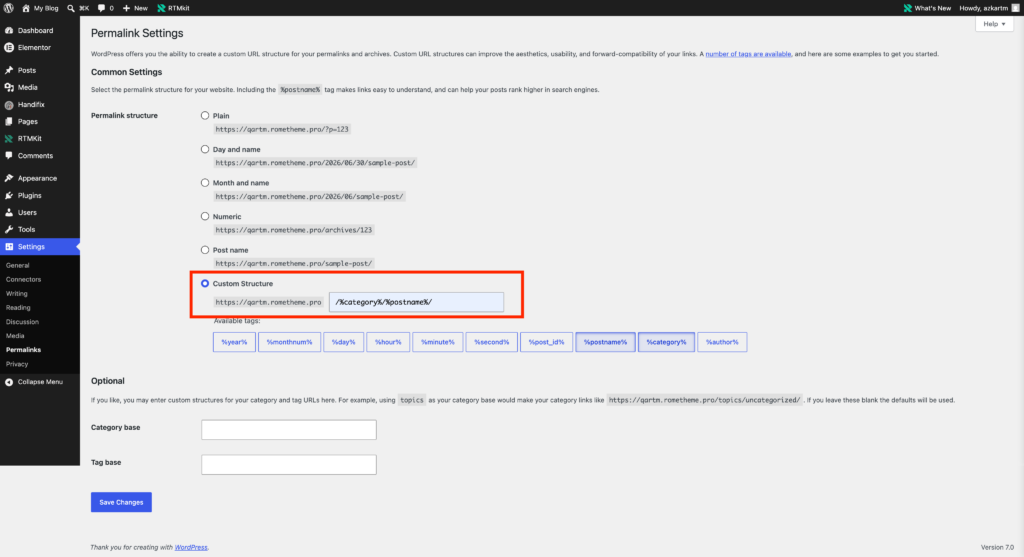
Settings → Permalinks → Select Permalinks Structure
- Choose either Post name or Custom Structure as your permalink structure.
- We recommend using Custom Structure and setting it to /%category%/%postname%/, as it creates cleaner, more organized URLs and helps keep your website structure consistent.
Step 2: Save the Changes
- Click the Save Changes button.
Done!
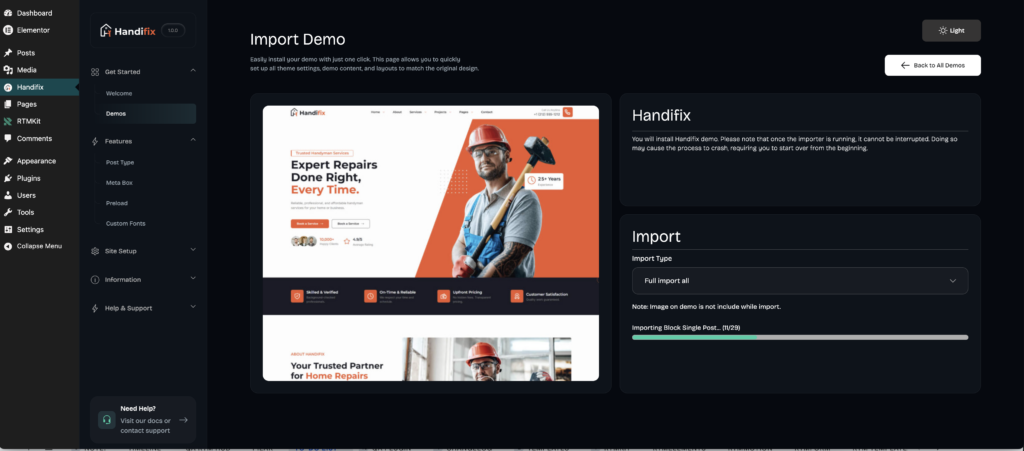
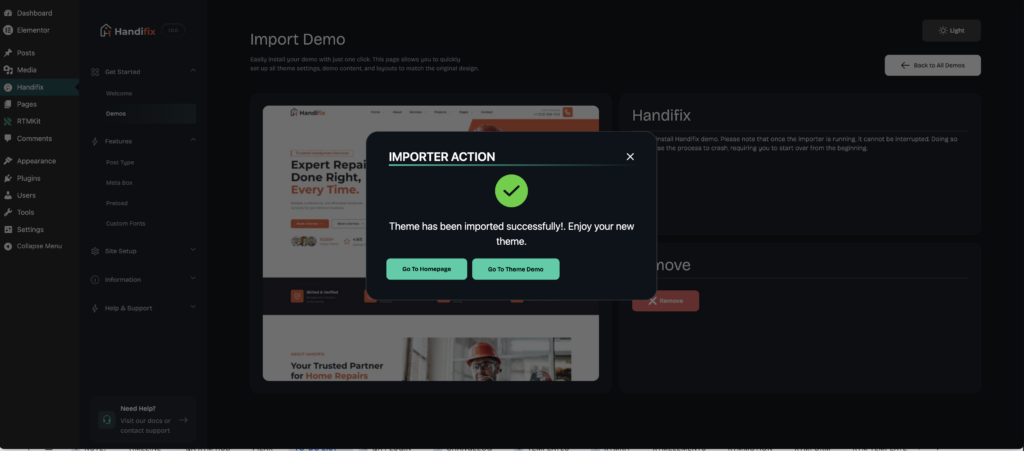
That’s it! You can now import your theme without encountering the error.
Note: If the problem persists, try clearing your website cache and browser cache before checking the page again.
